Logging in
Back to: How to create a course in CBM Learning Portal
Welcome to the learning portal – e-learning course to create an e-learning course.
The learning objective of this module is to understand the basics of logging into the learning portal as a course creator.
It takes approximately 2-5 minutes to complete this module.
Step 1
Copy and paste the following URL into your browser and proceed to the web page.
https://learning.cbm.com.sg/login/?loggedout=true&wp_lang=en_US
Step 2
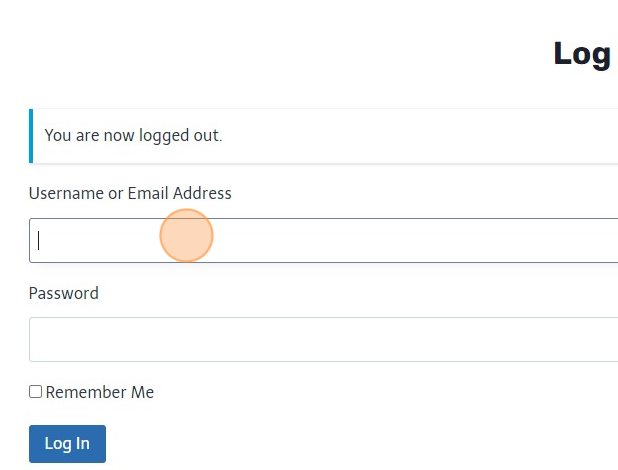
Fill in your log in details.
Step 3
Click on the “Log In” button.
Congratulations, you have successfully logged into the learning portal, and is ready to start the next module to create your course!
You can put the text here